

Brands and their breweries are used to identify which lines belong to which brewery.
If you ALWAYS service all of the lines in each of your customers' establishments, you may choose not to track brands and breweries. If this is the case, go here instead.
Breweries are added in the Breweries tab on the Company Settings page.
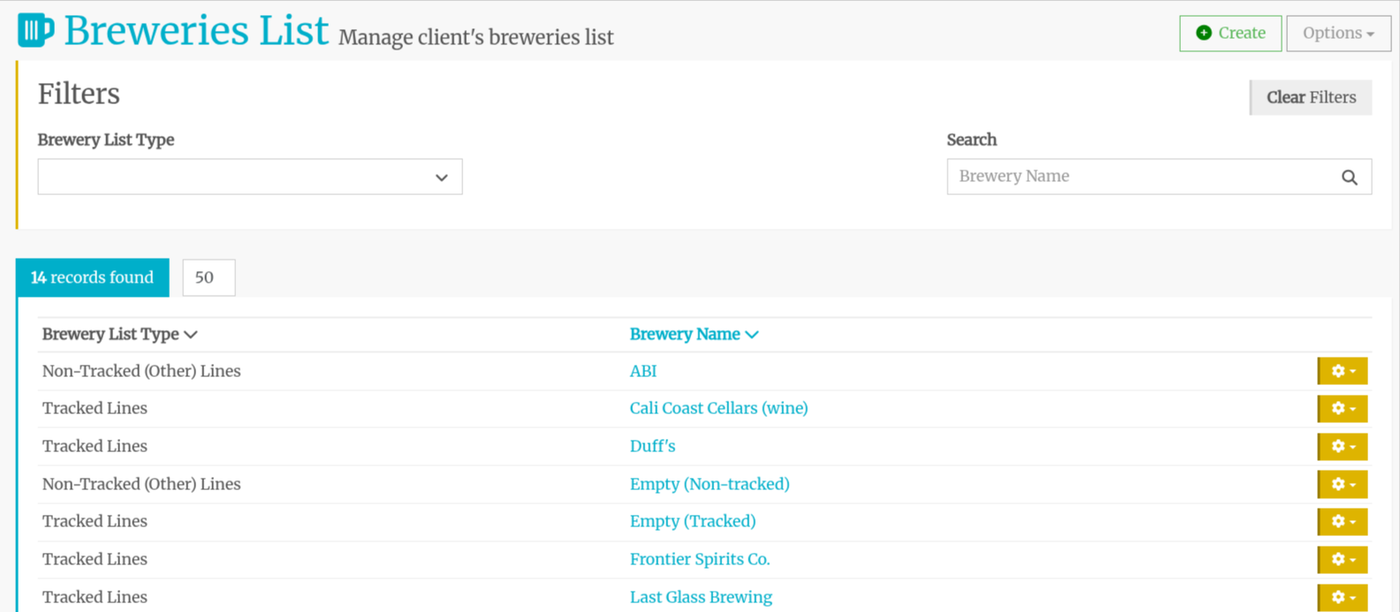
Click the +Create button in the top right corner.
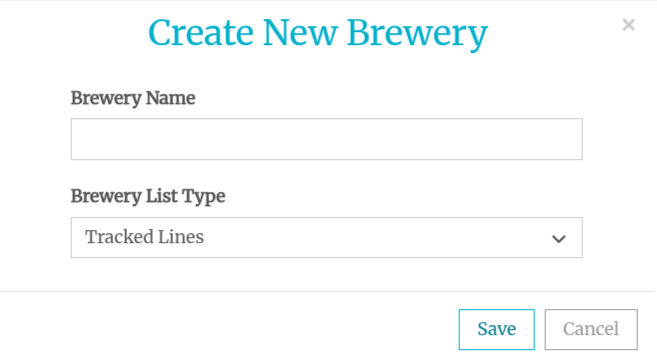
Enter the Brewery name and select if it is a Tracked or Non-tracked line.
Tracked Lines
These are lines that you clean and that will appear when selecting lines to clean on the Create Call Plan page and in the Cleaning Sequence section on the Establishment Details tab.
Non-Tracked (Others) Lines
These are lines that you do not clean, but may at one point. You can also provide this data to your brewery/distributor customers to get more lines.