

You should have the total number of lines in an establishment, regardless of whether you clean them.
If you need to change the number of lines, navigate to the Establishment Manager. Select the establishment from the list.
You will land on the Establishment Details Tab.
Scroll down to the Line Cleaning Settings section.
Change the figure in the Total Lines In Est box.
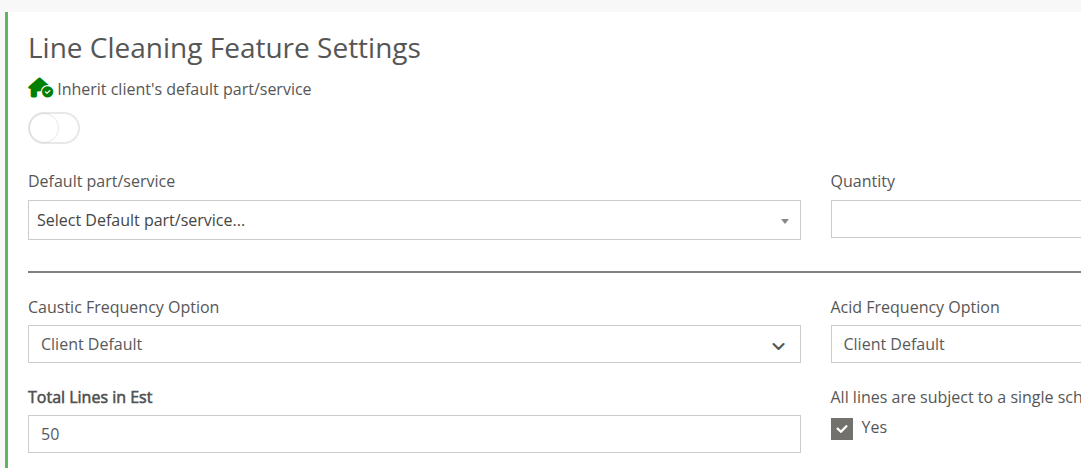
Press Save
If you have multiple bars in the establishment, specify which lines are at which bars.
See