

Establishment Page > Establishment Details tab:
The bottom section is Establishment Photos. Here you can upload images of the establishment that will help your techs better understand the system. Examples of some establishment photos:
- outside the bar (can be taken from google maps)
- the towers/taps
- the bar
- the walk-in fridge
- the line chiller
- gas system
- mop sink
- office
- back door
- a flow meter system if they have one
- beer pumps
- FOBs
- ...
There is no limit on the number of establishment images you can have, but you can only upload three at a time, and they must be less than 5mb.
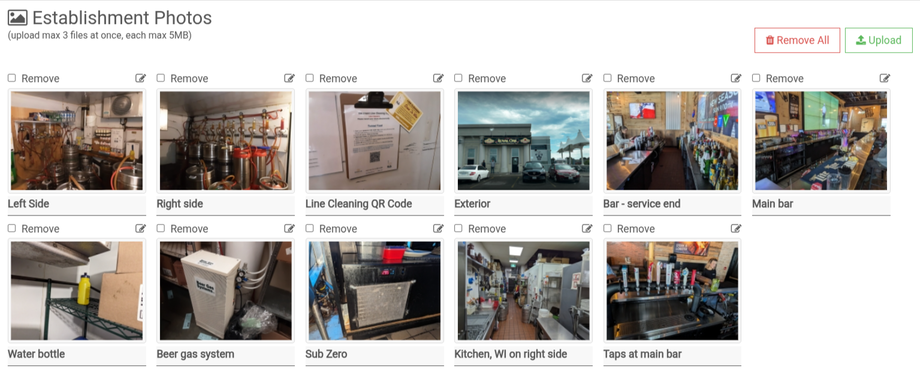 Naming Photos
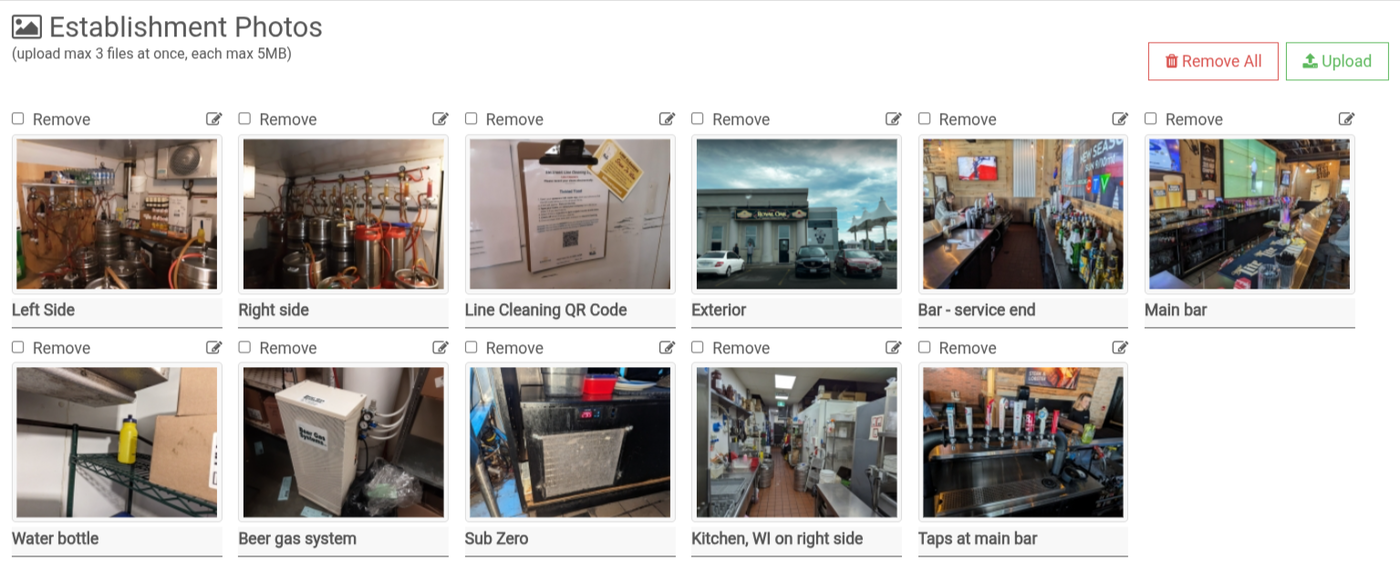
You can add a name to an image by clicking on the pencil icon above the image. Here you can type a short description of the image.
Removing Photos
Individual - Check the box above the photo (or multiple select) and then click on Remove Option.
All - Click on Remove All and confirm you want to delete them.
Once they are deleted, they can not be restored. Use with caution.