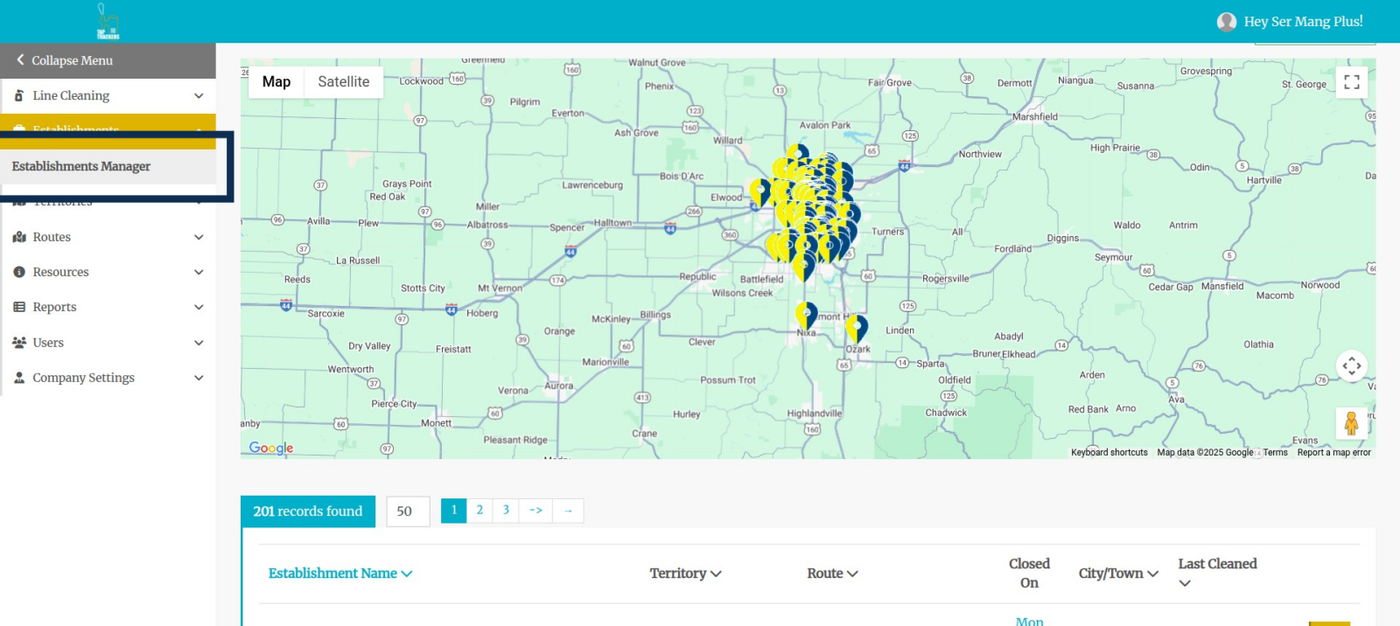
Step 1: Navigate to Establishments Manager
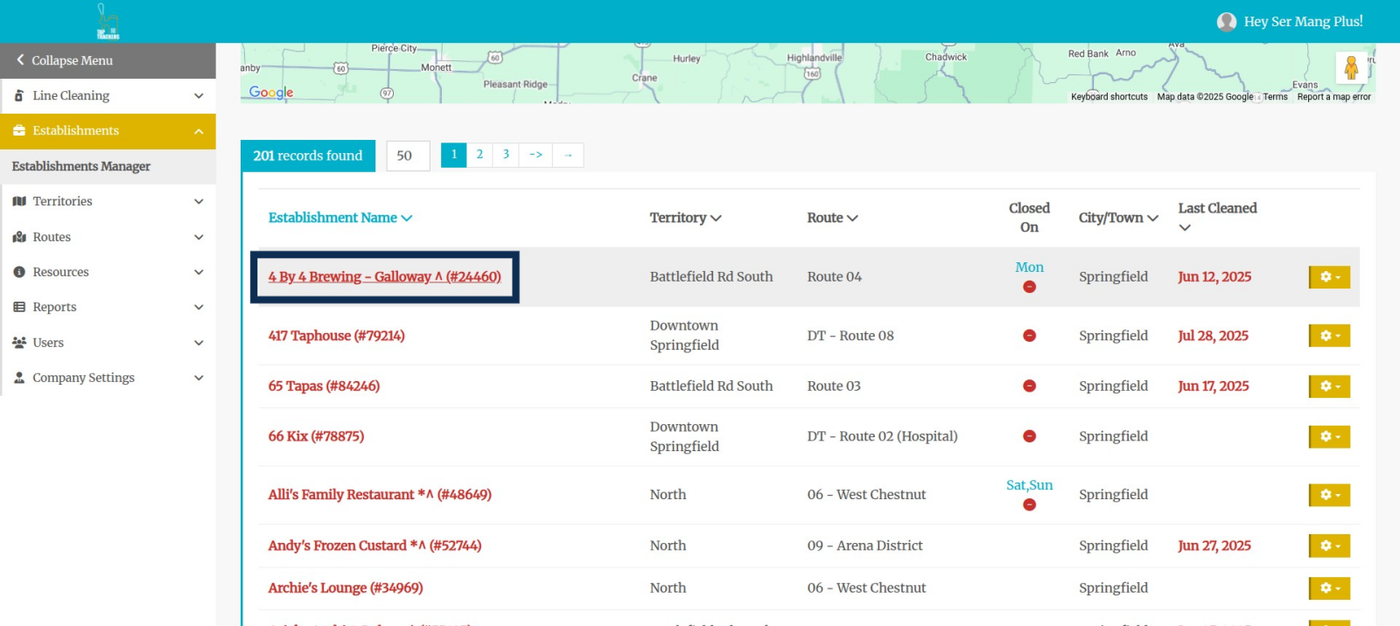
Step 2: Navigate to the establishment you'd like to update the brands for. Click on the establishment name.
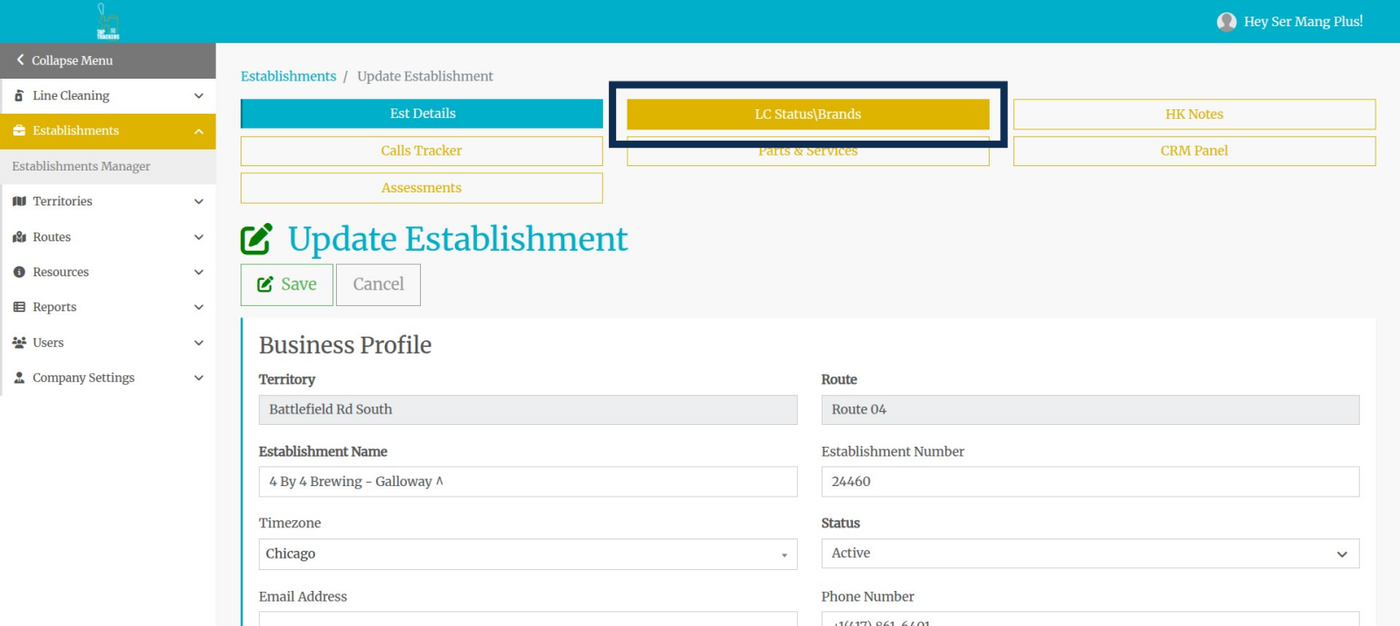
Step 3: Navigate to the LC Status\Brands tab.
Step 4: Click on Update Brands
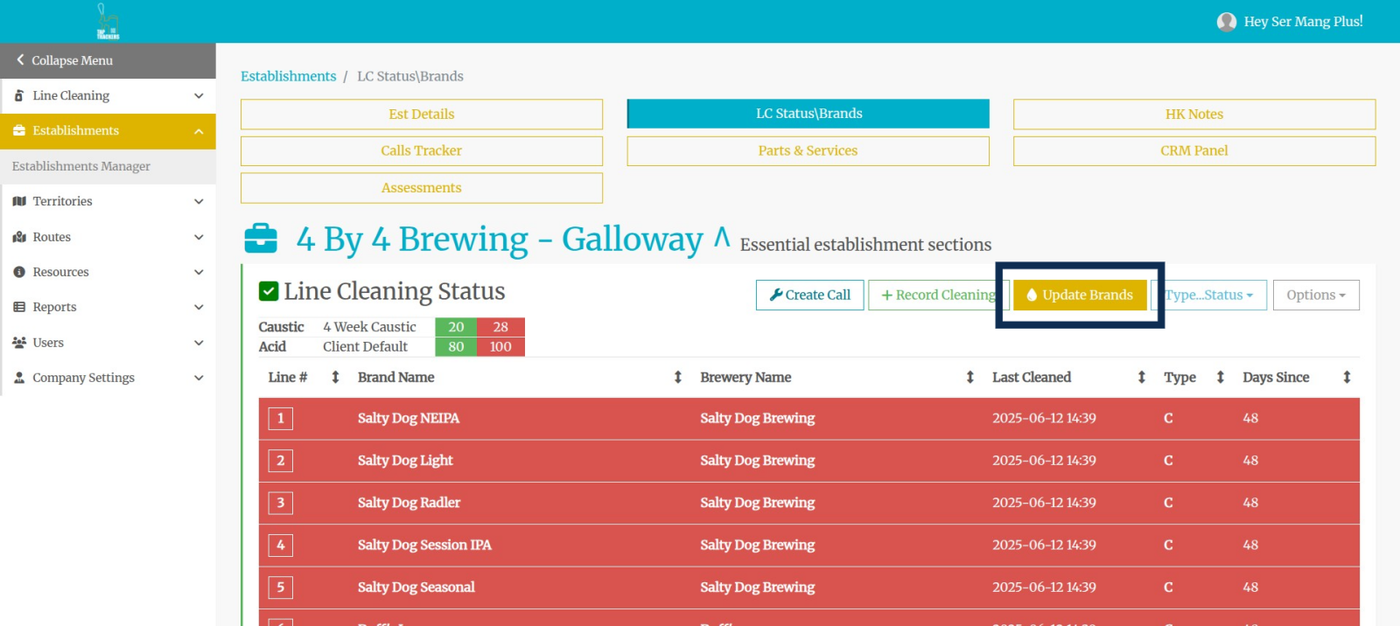
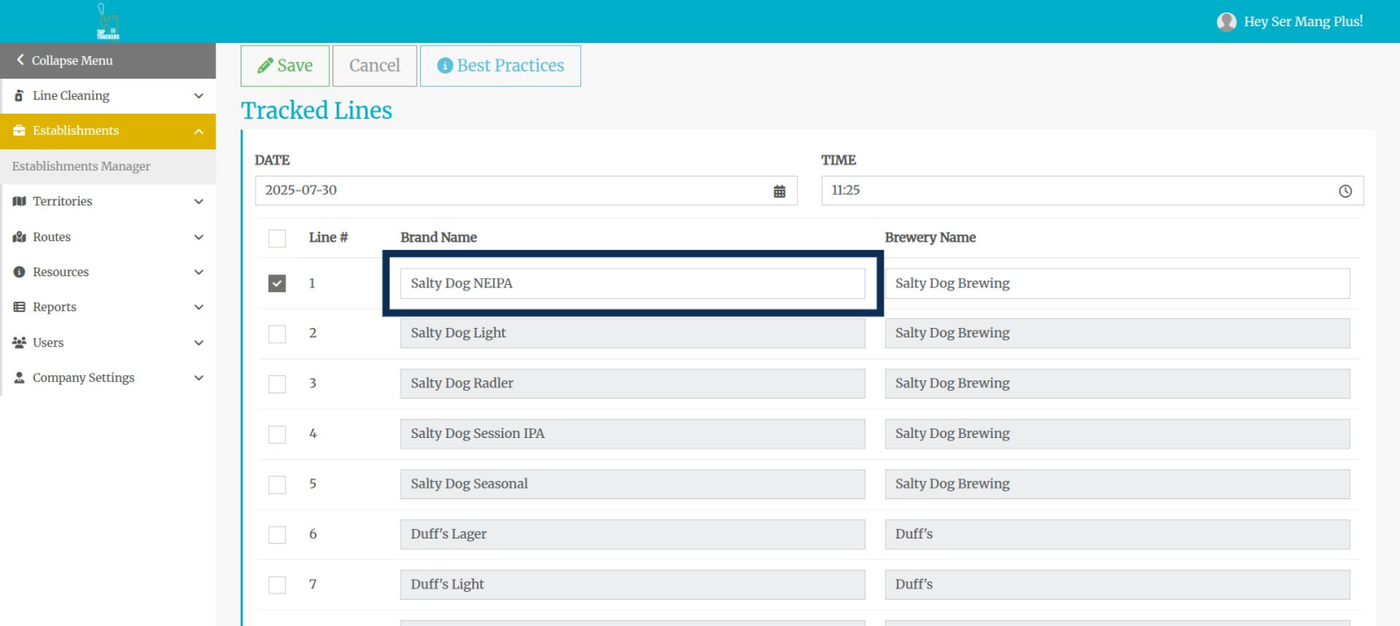
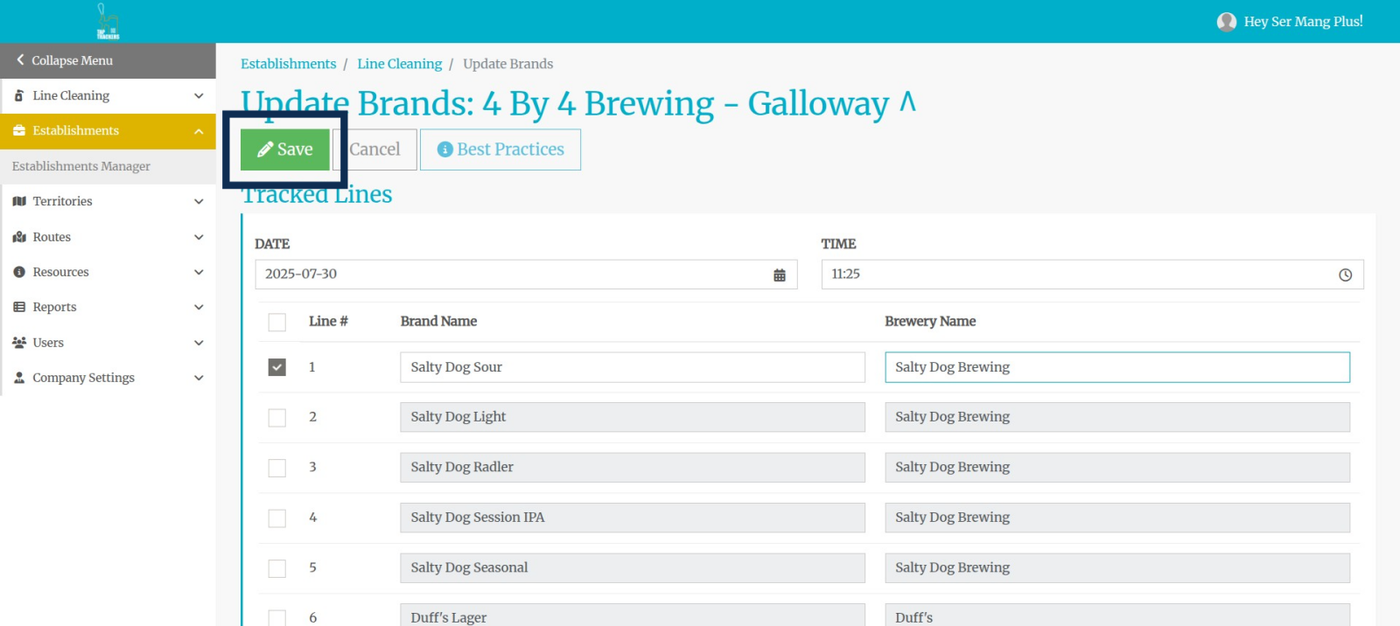
Step 5: Check the box beside the line to update only that line, or check the box at the top of the list to select all.
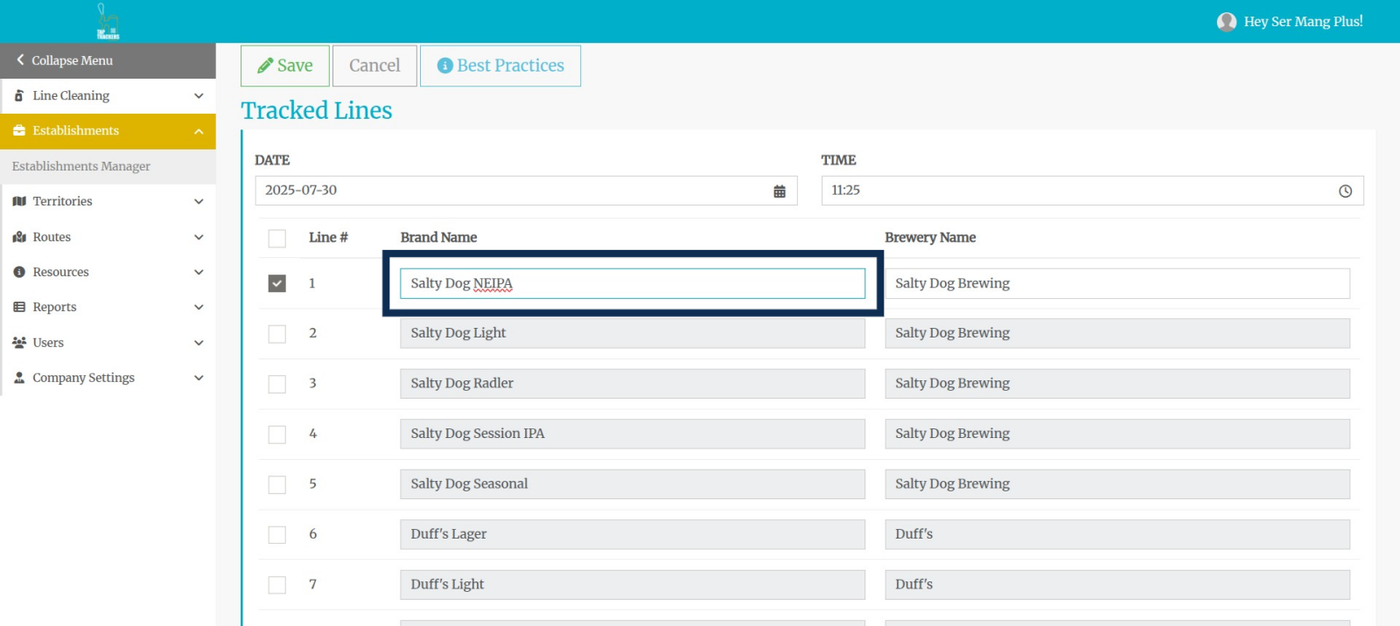
Step 6: Type in the brand you want and brands will begin to appear in the drop-down list . Click to enter the updated brand name.
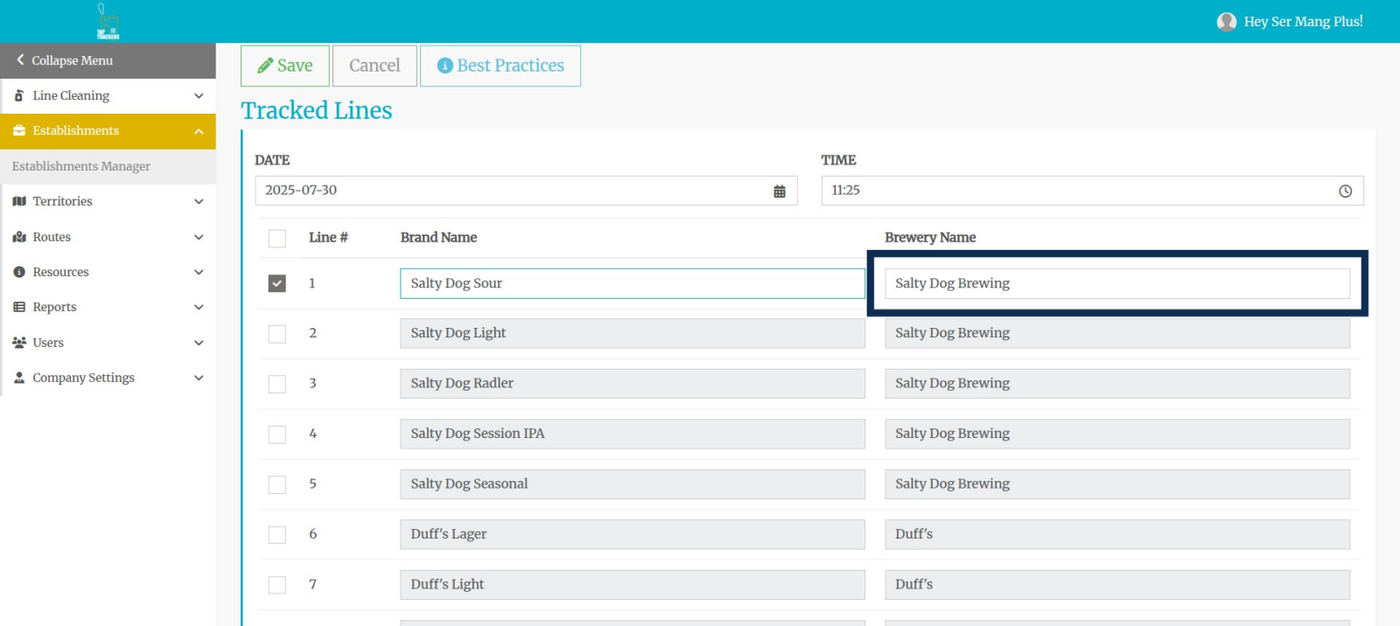
Step 7: The brewery will automatically appear and cannot be edited from this page. It must be changed on the Company Settings Page.
Step 8: Click the Save button
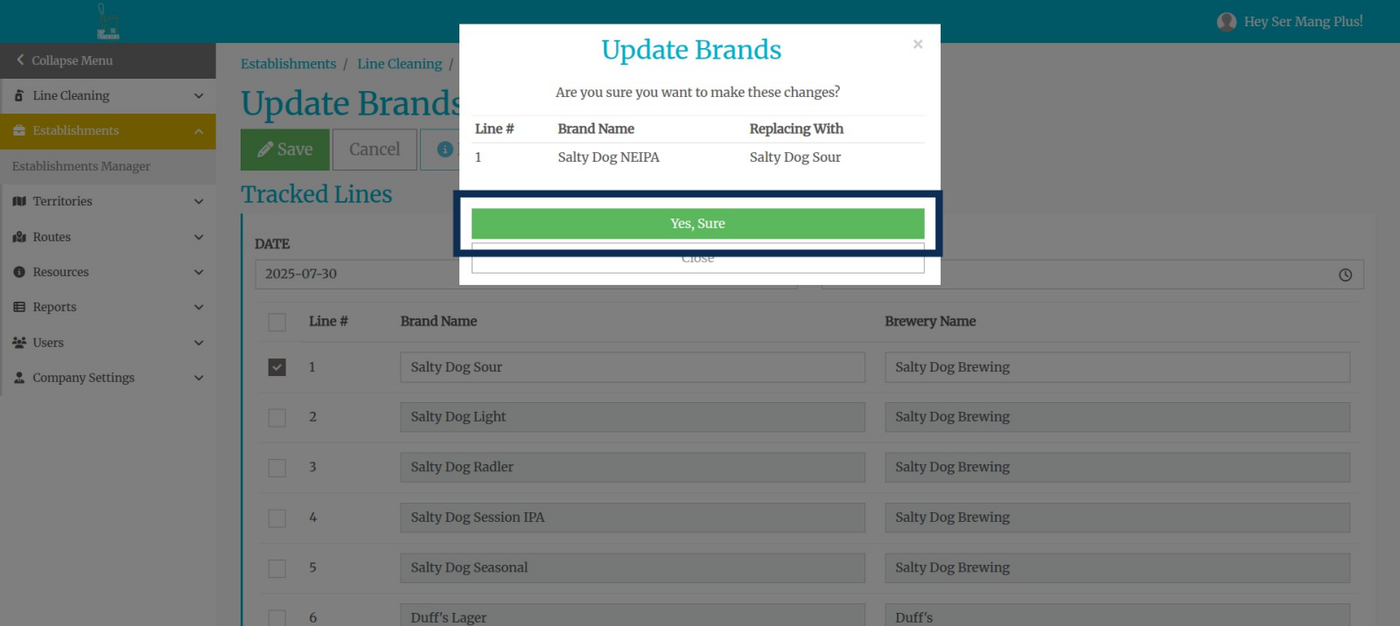
Step 9: Confirm the changes and then click the "Yes, Sure" button