

To make updating brands for an establishment easier, we created a master brand list where you can enter brands once and select them from the drop-down list on an establishment’s Update Brands page. This saves you from typing in the same brand name dozens of times.
By default, we will upload a brand list when we set up your company in Tap Trackers, including about 200 of the most popular brands. You can edit/add/delete these brands. See also Brand Bulk Upload to bulk upload the brands relevant to you.
Creating A Brand
Go to the Company Settings page, then click your company name to open your company profile page.
Navigate to the Brands tab.
From there, click the +Create button, top right.
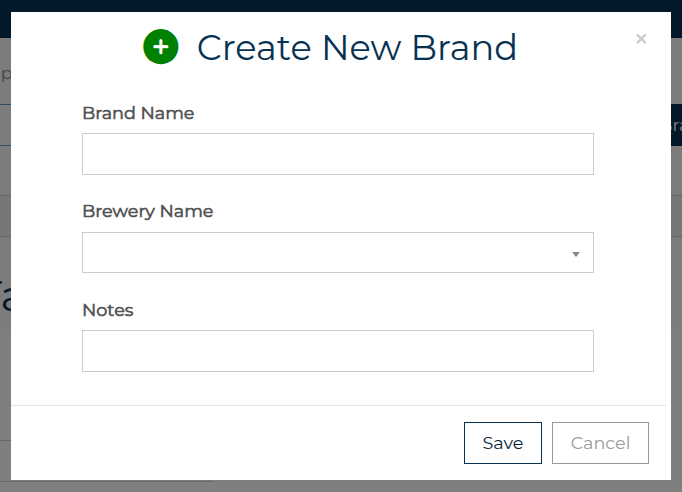
Enter the brand name, and select the brewery from the drop-down list. Click Save.
Brand Notes (Optional)
You can add any notes to a brand. You and your team are the only people who see these brand notes.
Examples of brand notes could be:
Unfiltered beer
Uses a German Slider coupler
Brand known to have keg seal issues
Tap handle is easily cross-threaded
Make sure it has the new handle on the faucet
Brewery will pay for new coupler if needed
Note that the notes will apply to all instances of that brand, so they should not be establishment-specific but rather general notes about the brand.
See also Upading Brands - Best Practices